
User Manual


Page 81GX1600
11.7 CHANNEL NAME
When radio mode (NORMAL) is selected, the display will show a name under
the channel number. This name describes the use of the channel. The radio
has the capability to customize the name by the procedure below.
Example: CH69 PLEASURE to HOOKUP
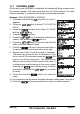
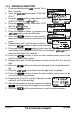
1. Press and hold down the key until “Setup Menu”
appears.
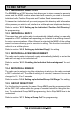
2. Press the / key to select “CH FUNCTION
SETUP”.
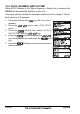
3. Press the soft key, then select “CH NAME”
with the / key.
4. Press the soft key.
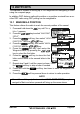
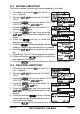
5. Press the / key to select the channel to be
named, then press the soft key.
6. Press the / key to scroll through the first
letter of the new channel name.
7. Press the soft key to store the first letter in
the name and step to the next letter to the right.
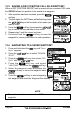
8. Repeat step 6 and 7 until the name is complete.
The name can consist of up to 16 characters, if you
do not use all 16 characters press the soft
key to move to the next space. This method can
also be used to enter a blank space in the name. If
a mistake was made entering in the name repeat
pressing the key until the wrong character
is selected, then press the / key to correct
the entry.
9. Press and hold the soft key to save the
name.
10. If you want to enter the name of another channel, repeat steps 5 through 9.
11. Press the soft key several times to return to radio operation.