
User Manual


GX1600Page 84
12.9 AUTO CHANNEL SWITCH TIME
When a DSC Distress or ALL Ships (Urgency or Safety) call is received, the
GX1600 will automatically switch to channel 16.
This menu selection allows the automatic switch time to be changed. The de-
fault selection is 30 seconds.
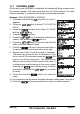
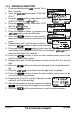
1. Press and hold down the key until “Setup Menu”
appears.
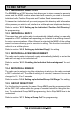
2. Press the / key to select “DSC SETUP”
menu.
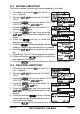
3. Press the soft key, then select “AUTO CH
SWITCH TIME” with the / key.
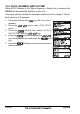
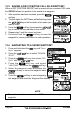
4. Press the soft key, then press the /
key to the desired time and press the soft
key.
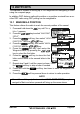
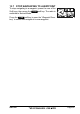
5. Press the soft key several times to return to
radio operation.