Page 89GX1600
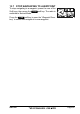
13.7 STOP NAVIGATING TO A WAYPOINT
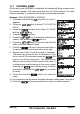
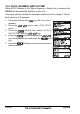
To stop navigating to a waypoint, press the one of the
Soft keys, then press the soft key. The radio is
switched to Normal Mode.
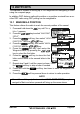
Press the soft key to open the “Waypoint Direc-
tory” to select and navigate to a new waypoint.