
Instruction manual

Instruction Manual
9
Software Installation
Mac OSX
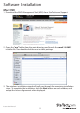
1. Download the RAID Management Tool (MSU) from: StarTech.com/Support
2. Open the “osx” folder from the main directory and launch the smu4.1.0.2021
installer le. Then double click the msu installer package.
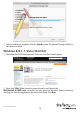
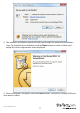
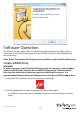
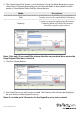
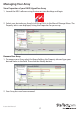
3. The windows installation wizard will walk you through the remaining installation
steps. To complete the installation, click the Next button on each window, and
accept the License Agreement when displayed.