
Instruction manual

Instruction Manual
10
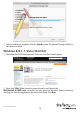
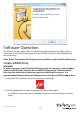
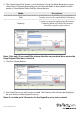
4. Once installation is complete, click the Finish button. The Marvell Storage Utility has
now been installed.
Windows 8/8.1, 7, Vista (32/64 bit)
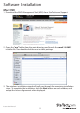
1. Download the RAID Management Tool from: StarTech.com/Support
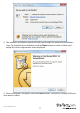
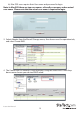
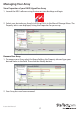
2. Open the “Win” folder from the main directory and launch the
MSUSetupX.X.XXXX(.exe) setup le. You may receive a Windows Security Warning
alerting you that the application has been launched. Click Run.