
V-Stack
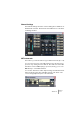
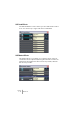
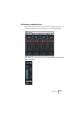




Table Of Contents

V-STACK
Guided tour 5 – 51
Channel Settings
The Channel Settings window is used for adding effects and EQ to in-
dividual audio channels. Each channel in the Mixer has its own Chan-
nel Settings window.
VST Instruments
This is where you activate and set up your VST Instruments (up to 16).
You can select a preset for the VST Instrument from the Preset pop-
up menu or by clicking the arrow buttons. Note that each active VST
Instrument slot has a MIDI input pop-up menu, allowing you to route
MIDI directly to each VST Instrument.
You can also determine to which keyboard range the VST Instrument
will respond using the LoKey and HiKey settings. The “Semi.” and
“Octa.” settings adjust the pitch of the instrument.