
V-Stack
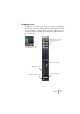
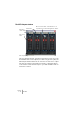
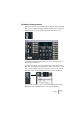
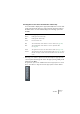
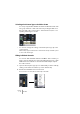

Table Of Contents

V-STACK
The Mixer 7 – 75
The Channel Settings window
Each audio channel strip in the Mixer has an edit (“e”) button. Clicking
this opens the Channel Settings window, in which you can make de-
tailed settings for a single channel (level, pan, EQ, effects, etc.).
The Channel Settings window always shows the settings for the se-
lected channel. Therefore:
• To show the settings for another channel, select that channel in the
Mixer (by clicking the name field below the fader or clicking its “e” but-
ton) or use the Channel Select pop-up menu on the common panel
(available both in the Channel Settings window and in the Mixer).
If you specifically want to open several Channel Settings windows,
[Alt]/[Option]-click the Edit buttons for the desired channels.