
V-Stack
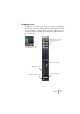
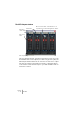
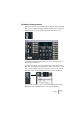
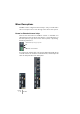
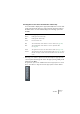
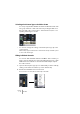

Table Of Contents

V-STACK
7 – 76 The Mixer
Mixer View options
The Mixer can be configured in various ways to suit your needs and to
save screen space. Here’s a run through of the various view options:
Normal vs. Extended channel strips
There are two main modes for the Mixer: “normal” or “extended”. You
switch between these modes by selecting the corresponding item on
the View Options pop-up menu on the common panel, or by clicking
the button just below it.
In normal mode, channel strips only show the fader panels with the as-
sociated vertical row of buttons. In extended mode, channel strips will
show an extra panel above the fader panel.
Global View Options pop-up menu.
Show/hide extended Mixer.