
V-Stack
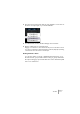
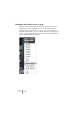
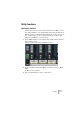
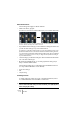
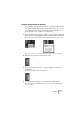
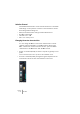
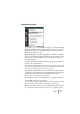
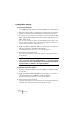

Table Of Contents

V-STACK
The Mixer 7 – 91
3. Use the pop-up menus at the bottom of the window to route each ac-
tive bus to an output pair on your audio hardware.
4. To rename a bus, click on its label and type in a new name.
5. Set the output levels for each active bus.
Dragging one of the faders for a bus will automatically move the other fader as well. To
move the left or right fader for a bus independently, hold down [Alt]/[Option] and drag,
or deactivate the stereo link switch for the fader pair.
Routing channels to buses
To route the output of a group or VST Instrument channel to one of
the active buses, you proceed as when routing to groups: Pull down
the output routing pop-up menu at the bottom of the channel strip and
select one of the buses.