
V-Stack
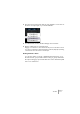
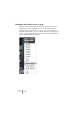
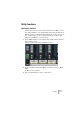
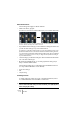
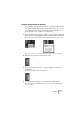
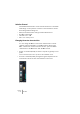
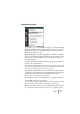

Table Of Contents

V-STACK
The Mixer 7 – 93
Utility functions
Link/Unlink channels
This function is used to “link” selected channels in the Mixer so that
any change applied to one channel will be mirrored by all channels in
that link group. You can link as many channels as you like, and you can
also create as many groups of linked channels as you like. To link
channels in the Mixer, proceed as follows:
1. Press [Shift] and click on the channel name field for all the channels
that you want to Link.
Selected channels are indicated by highlighted name fields.
2. Right-click (Win) or [Ctrl]-click (Mac) somewhere on the grey Mixer
panel.
The Mixer context menu appears.
3. Select “Link Channels” from the context menu.