
V-Stack
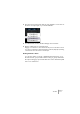
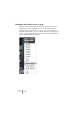
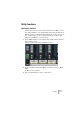
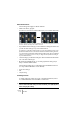
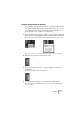
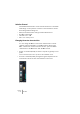
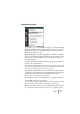

Table Of Contents

V-STACK
The Mixer 7 – 95
Copying settings between channels
It is possible to copy all channel settings for a channel and paste them
into another channel. This applies to both channel types (you can e.g.
copy EQ settings from an instrument channel and apply these to a
group channel or vice versa). Proceed as follows:
1. Select the channel from which you want to copy settings by clicking its
channel name field (a highlighted name indicates a selected channel).
You can also select channels with the Channel Select pop-up menu – see page 75.
Selecting a channel in the channel strip (left), and in the common panel (right).
2. Click the “Copy” button in the common panel.
3. Select the channel you want to copy the settings to and click the
Paste button.
The settings are applied to the selected channel.
4. To copy the same settings to several channels, repeat step 3.
The copied settings are retained in memory until you copy new channel settings, or
close the project.