
V-Stack
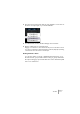
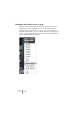
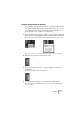
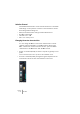
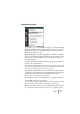

Table Of Contents

V-STACK
The Mixer 7 – 99
Load Master Fx
This item allows you to load Master effect combinations and settings.
1. Right-click (Win) or [Ctrl]-click (Mac) the mixer panel to pull down the
context menu, and select “Load Master Fx”.
A standard file dialog appears, where you can locate the saved file.
2. Click “Open” to recall the saved Master Effects.
Load All Mixer Settings
Selecting “Load All Mixer Settings” from the context menu allows you
to open a saved Mixer Settings file, and have the stored settings ap-
plied to all channels for which there is information included in the file.
All channels, master settings, VST Instruments, sends and master ef-
fects will be affected.