
manual


ENglISH VErSIoN
7
Windows XP
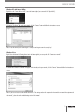
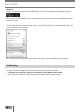
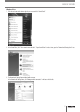
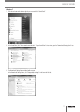
1 Clickthestartbuttonatthebottomrightofyourscreenandclick“ControlPanel”
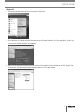
2 Inthecontrolpanel,click“NetworkandInternetConnectionsandopenthe“NetworkConnections”icon.IfyourcontrolpanelisinClassicView,
youmayopenthe“NetworkConnections”iconstraightaway.
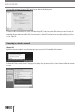
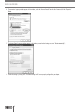
3 RightclickthefirstconnectedLANorHigh-SpeedInternetConnection,inthisexamplethe“LocalAreaConnection”,andclick“Properties”from
thecontextmenu.Ifyouhavemultipleconnectedconnections,repeatsteps3to6foreachconnection.