
Operation Manual

12
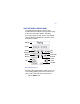
2. Under the Options menu, select
Preferences.
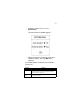
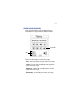
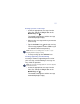
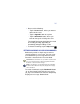
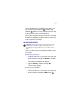
The Set Preferences window appears.
3. Tap the preference to alternate among the
available settings. Then tap OK when
complete.
The following table summarizes the available
preferences.
Preferences Description
Voice Activation Controls the Voice Activation feature for recording. Turning on Voice
Activation sets the Voice Recorder to only record when an audible threshold
is detected and helps extend your effective recording time in situations
during which long pauses in dialog occur.
Recording
Quality
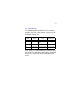
Determines the quality of your recording. The higher the setting, the shorter
the recording time. See below.