
User manual

11N Wireless AP User Manual
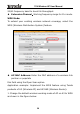
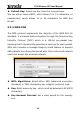
20/40 frequency band to boost its throughput.
◆ Extension Channel:Working frequency range for 11n mode.
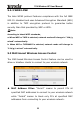
WDS Mode:
To extend your existing wireless network coverage, select the
WDS (Wireless Distribution System) feature.
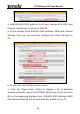
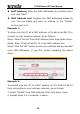
◆ AP MAC Address: Enter the MAC address of a wireless link
partner or populate
this field using the Open Scan option.
Application example: Implement the WDS feature using Tenda
products of A3 (Wireless AP) and W316R (Wireless Router).
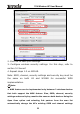
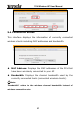
1. Change the default wireless working mode of AP on A3 to WDS
as shown in the figure below:
20