16 Web server • LAN GATEWAY
English
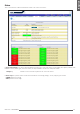
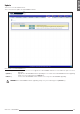
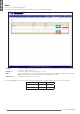
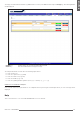
To change date and time settings for LAN GATEWAY, in Services area press Change key. The following window will be displayed.
Confirm key Conrm and set the selected date and time.
Cancel key Exits this window without saving the settings.