Printer User Manual
Manuals
Brands
TRENDnet Manuals
Printer
TE100-PIP
51
52
53
54
55
56
57
58
59
60
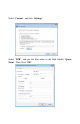
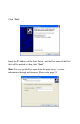
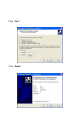
Cli
ck
“
Next
”
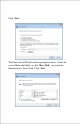
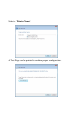
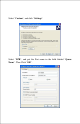
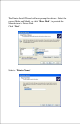
In
put the
IP Add
r
e
ss
of the
Pr
in
t S
e
rve
r
,
and
the
Port
nam
e
of the
P
ort
that wi
ll
be
pr
in
ted
to, the
n cli
ck “
Next
”.
Hin
t:
Yo
u ca
n g
e
t
the
Port name
from
the
pr
in
t
serve
r’s syste
m
in
form
a
tio
n th
roug
h w
eb brow
s
e
r
.
Ple
a
se ref
er pa
ge
21.
1
...
...
55
56
57
58
59
...
...
113