Printer User Manual
Manuals
Brands
TRENDnet Manuals
Printer
TE100-PIP
71
72
73
74
75
76
77
78
79
80
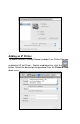
Adding a Printer
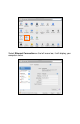
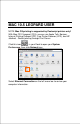
Cli
ck this i
con
i
n your Dock to open your
Sys
tem Prefe
rences
w
indow
as
below
.
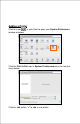
Cli
ck the
Print
& Fax
icon i
n
System Prefe
rences
m
enu to v
i
ew
the
m
enu be
low.
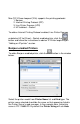
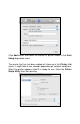
Cli
ck the add button “
+”
to add a new
printer.
1
...
...
70
71
72
73
74
...
...
113