Installation


Last update: 2019-08-15 11:42 ccgx:start https://www.victronenergy.com/live/ccgx:start
https://www.victronenergy.com/live/ Printed on 2019-08-15 12:22
5.5 Analysing data offline, without VRM
In certain cases, for example for very remote sites where there is no internet available, it can be
useful to be able to analyse the data without first having to upload it to the VRM Portal.
Install VictronConnect on a Windows or Apple laptop1.
Insert the storage device containing the log file(s)2.
In VictronConnect, use the GX Log Converter feature to convert them to Excel sheets.3.
5.6 Remote Console on VRM
This feature allows full remote control of a GX Device, over the internet:
Remote Console on VRM is disabled by default. Activate it by following these steps:
Enabling the feature in the Settings → Remote Console menu1.
Either set a password; or disable the password2.
Restart the GX Device.3.
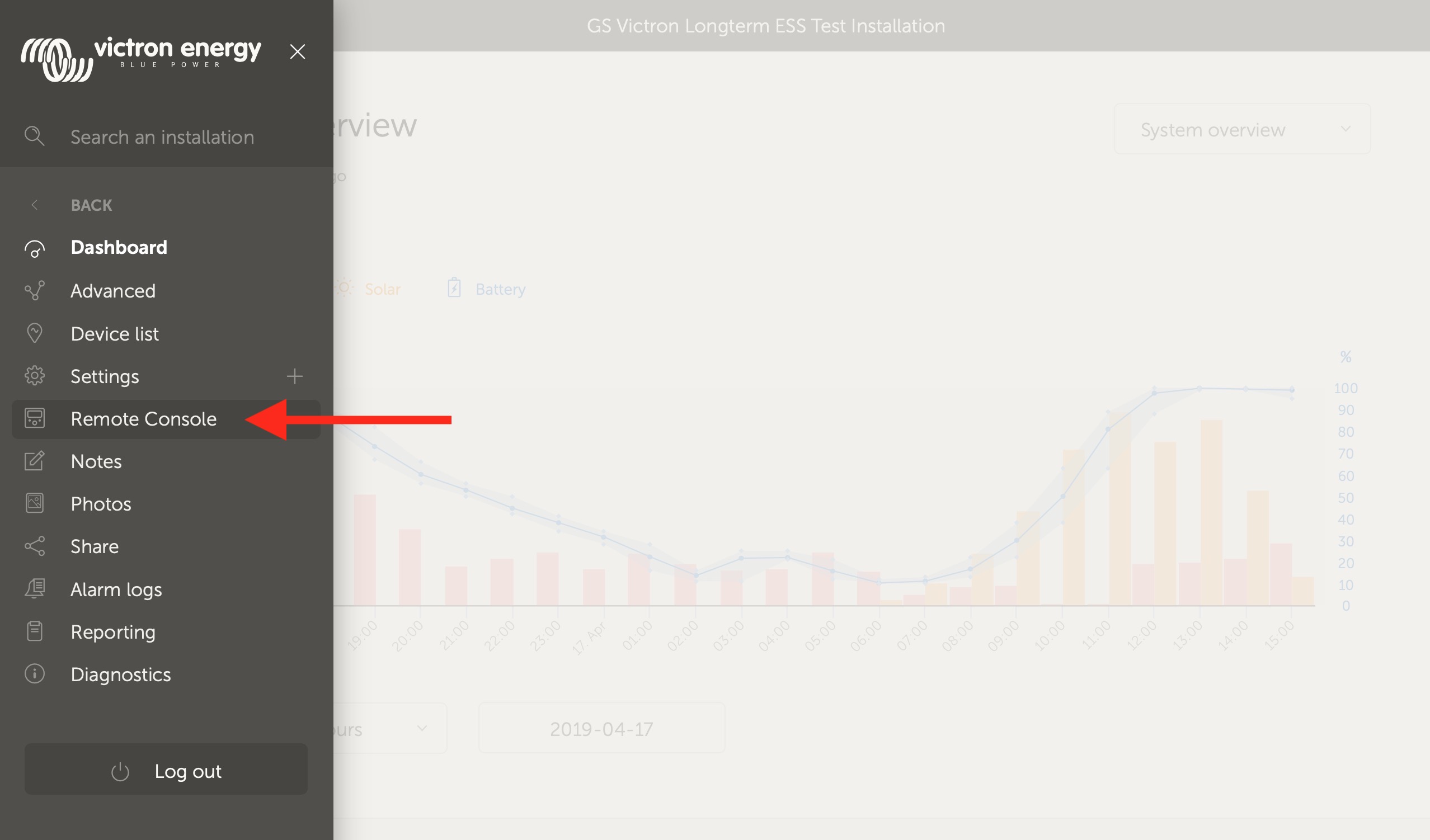
Now, the Remote Console option will appear in the menu on the VRM Portal. Click it to open the
Remote Console: