
User Manual




2
2-11 Calibrating the EX7750 with the ES-1000
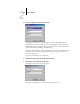
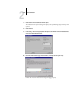
TO CONFIGURE WINDOWS XP TO GENERATE A VISUAL SIGNAL FOR A BEEP
1. Click Start.
2. Choose Control Panel.
3. Double-click the Accessibility Options icon.
4. Click the Sound tab.
5. Select Use SoundSentr, and set the visual warning to Flash Desktop.
6. Click OK to save the setting.
7. Close the Control Panel.
TO CALIBRATE THE EX7750 USING THE ES-1000 SPECTROMETER
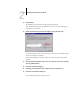
1. Start Calibrator.
For instructions on starting Calibrator, see page 2-6.
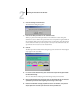
2. Choose EFI Spectrometer ES-1000 as the measurement method.
3. In the Check Print Settings pane, choose the desired calibration set.
Choose the appropriate calibration set for the mode and type of media that are needed
for calibration.
NOTE: For this calibration to take effect, the calibration set must be associated with one
or more output profiles. You do not need to make any new associations for the default
calibration set, since it is already associated with the default output profile.
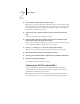
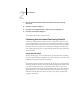
4. In the Generate Measurement Page pane, click Print.
The Print Options dialog box appears.