
Operation Manual


Table Of Contents
- Getting Started
- Using Xplova E5
- Changing the Settings
- Using the Accessories
- Using Web Applications
- Appendix
- Declarations of Conformity
37
Updating the Xplova E5 Software
Xplova E5 software updates are available in the Xplova website
http://tour.xplova.com. Download the latest software to your computer and follow the
instructions below.
Downloading the Software
1. Connect your Xplova E5 to your computer using the USB cable.
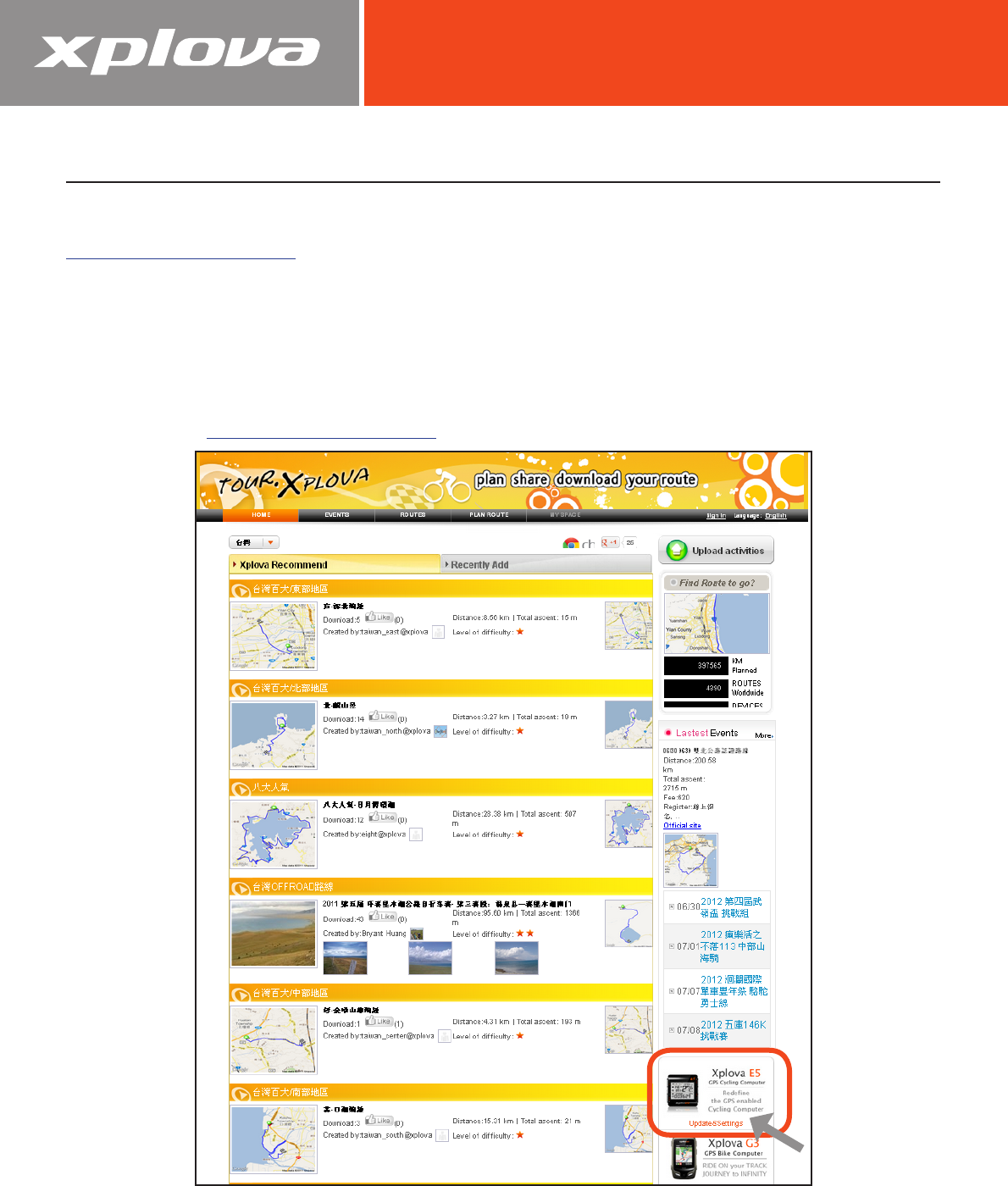
2. Visit http://tour.xplova.com.
3. Click Update & Settings.
4. Allow Java script to always run.
5. Follow the on-screen instructions to download the software.