
User Manual

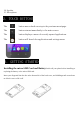
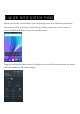

To reject a Call – Slide your finger to the Red Call End key.
To message – touch the message icon.
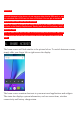
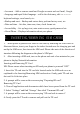
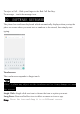
The phone has a software keyboard which automatically displays when you tap the
place on screen where you want text or numbers to be entered, then simply start
typing.
Touchscreen
The touchscreen responds to finger touch.
Note:
• Don’t place any object on the touchscreen for it may damage or crush
the screen.
Single Click: Single click one icon to choose the icon or option you want.
Long Press: Press and hold an icon to delete or move an icon or app.
Drag: Press the icon and drag it to a different screen.
10. SOFTWARE KEYBOARD