
Quick Guide Owner manual


15
Operation of the Pumps
This section is based on the function “Pump Control 1” which is the most
used Pump function.
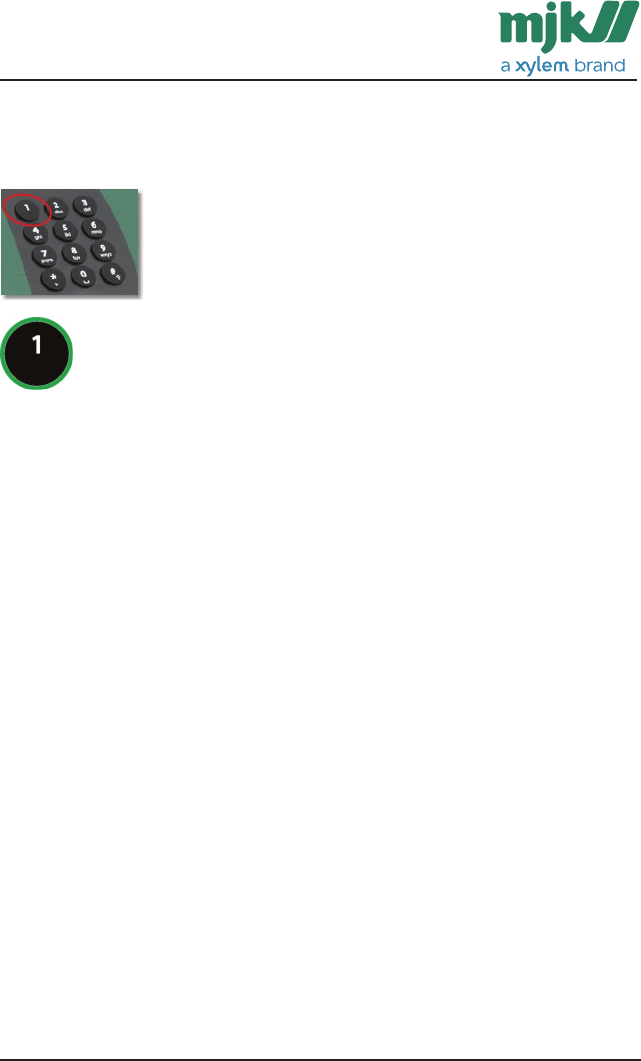
Function Key 1 is the screen used for the pump control and will
typically be the same screen as in the Connect when working on the
station.
Please note that the pre-defined view described here can be customized to
your needs.
Select Function Key 1 for the daily use of the pump control 1.
Overview display 1 is standard and located in the function section Pump
Control 1. The most current pump information is displayed here: Actual level,
in use/not in use and the start/stop levels of the pump.
Note: If you leave Connect
®
with this setup, this will be the first you see on
the pump station at next visit.