
User manual

© 2011 Racktivity NV 102/160
Antwerpsesteenweg 19 - 9080 Lochristi - Belgium - www.racktivity.com v 2014.5.14
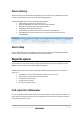
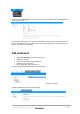
Alarm History
The Alarm History can be accessed through the link at the bottom of the detailed information
section of the Alarm Panel and contains all acknowledged Alarms.
The Acknowledged alarms do have the following information
Date created: Date when the alarm did occur
Date acknowledged: Date when the alarm is acknowledged
Message: This indicated what the alarm was about.
Component: What did cause the alarm
Parent: Whet is the direct parent structure wise of the component
Acknowledge note: this indicates the user note and name of the alarm when
acknowledged.
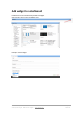
Alarm Map
Like the Alarm History, the Alarm Map can be found at the bottom of the detailed information
section of the Alarm Panel. The Alarm Map shows all active Alarms
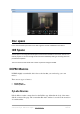
Reports space
Via this space you can access the report page with all standard reports. By clicking the button
more the report output can be customized by setting dates.
DCPM reports space contains some standard pre-defined reporting to the user. Pre-defined
reports are:
Co2 Report for each of the datacenters created in your structure
Feeds report for each of the created datacenters
Energy per customer report
Energy per device report
Power per customer report
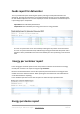
Co2 report for datacenter
This is a small report which shows the user the carbon footprint of every datacenter created. This
report will only contain data if the feeds of the datacenters are defined. If no feeds are created
the report will contain no data.