
User Manual

41
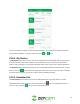
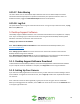
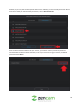
The user can view all transactions associated with cloud plans, any unpaid plans, paid plans, as well as
any cancelled cloud plans. To exit this menu, tap on the ( ) or ( ) icons.
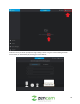
4.15.4. My Devices
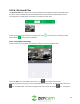
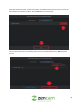
The My Devices menu allows users to view all connected devices associated with their Zencam account.
To access the device information related to a connected device, tap on the device you would like to
view. For more information on the device information menu, refer to section 4.5.1. Device Information.
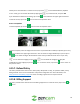
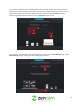
The My Devices menu also allows user quick access to add additional devices to their account. To add a
device, tap on the ( ) icon located in the upper right-hand corner of the screen. For more information
on how to add a camera to your account, refer to section 4.3 Adding a Camera.
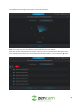
4.15.5. Download List
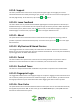
The Download List menu allows users to access downloaded events from their devices. To view a
downloaded event, select the event from the list and press the icon on the playback time bar. To
exit this screen, tap on the ( ) icon to return to the previous menu.