
User's Manual



Chapter 11 System Screens
NWA1100-N User’s Guide
97
11.4.1 Password Screen
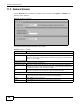
Use this screen to control access to your NWA by assigning a password to it. Click System >
Password. The following screen displays.
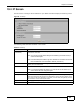
Figure 48 System > Password
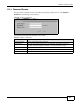
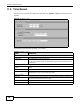
The following table describes the labels in this screen.
Table 29 System > Password
LABEL DESCRIPTIONS
Current Password Type in your existing system password.
New Password Type your new system password (max 19 characters). Note that as you type a
password, the screen displays an asterisk (*) for each character you type.
Retype to Confirm Retype your new system password for confirmation.
Apply Click Apply to save your changes.
Reset Click Reset to reload the previous configuration for this screen.